Good / Better / Best Estimates
One Estimate.
Three Options.
More Jobs Closed.
Stop losing customers to sticker shock. Let them pick the tier that fits their budget — and win the job at any price point.
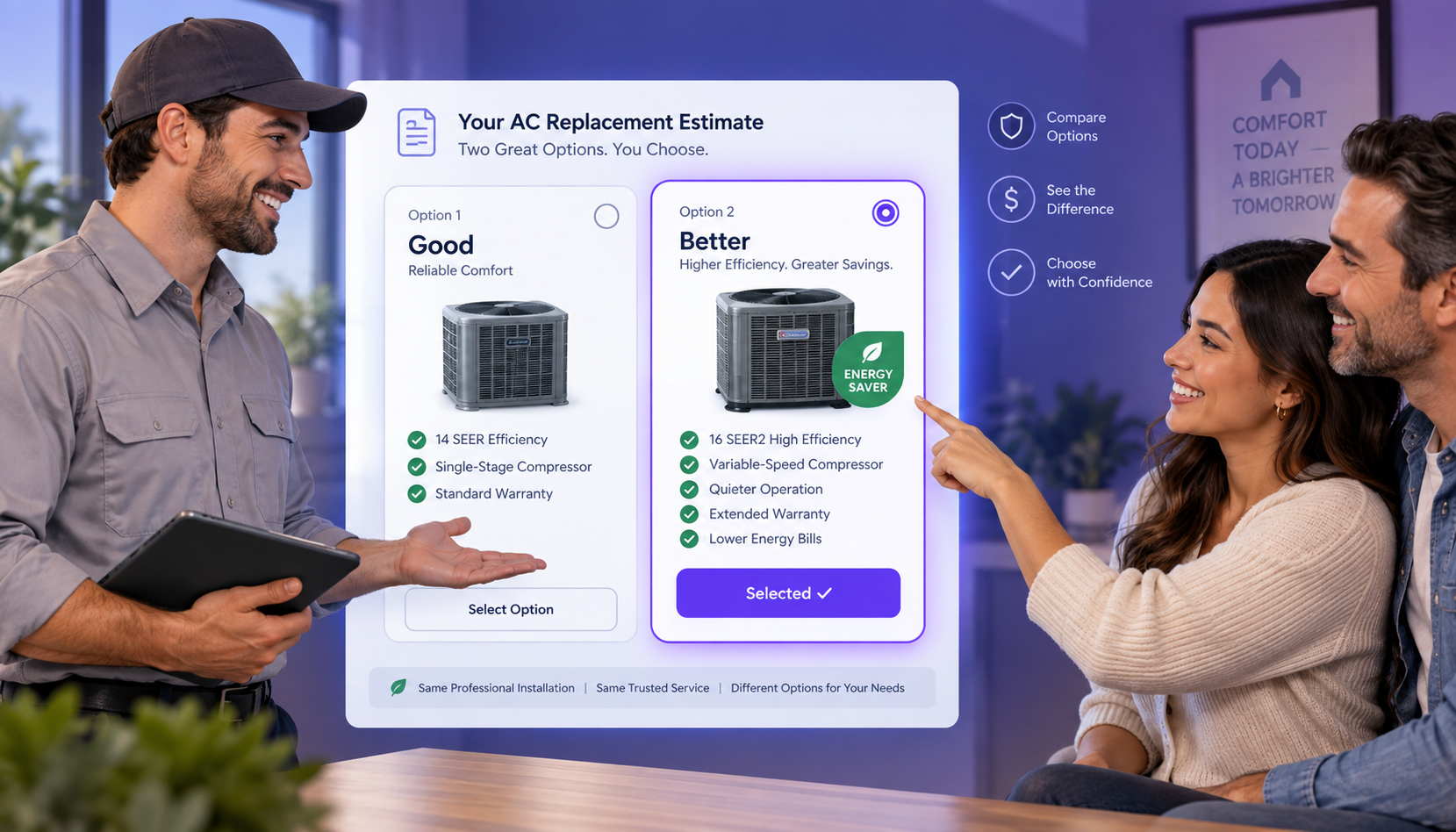
Stop losing customers to sticker shock. Let them pick the tier that fits their budget — and win the job at any price point.
Each option shows exactly what's included and what it costs. Customers feel in control. You close without negotiating.
This example uses an HVAC estimate. Works for any trade — roofing, plumbing, painting, landscaping, remodeling, and more.
Add your customer, fill in shared line items that apply to every tier — permits, haul-away, travel. These show up in all options so you only enter them once.
Invoizen splits your estimate into tabs: Option A, Option B, Option C. Give each a name — Good, Better, Best — then add the line items specific to each tier. You can attach a product photo to each one so customers see exactly what they're getting.
Your customer opens a single link and sees all tiers side by side with clear totals. They tap to choose the one that fits. You get notified instantly and can move straight to invoicing.
Presenting three tiers feels helpful, not salesy. Customers see the value difference and often choose more than you expected.
When customers have options to compare, they make decisions faster. No more "let me think about it" while they shop around.
A customer who'd say no to your premium price will often say yes to your Good tier — and you still get the job.
Attach a product photo to each option. Customers understand the difference between "basic" and "best" when they can see it.
Line items like permits and cleanup go in once and appear across all tiers. Only the tier-specific work gets entered separately.
Once a customer picks a tier, their selection flows directly into invoicing. No re-typing. No copy-paste errors.
"Before, I'd send one number and wait. Now I send three options and customers respond the same day. My average ticket went up 35% in the first month."
Set up Good / Better / Best options on your next estimate — it takes under 2 minutes and it's included free in every Invoizen plan.
Get Started Free